Attachment Setup
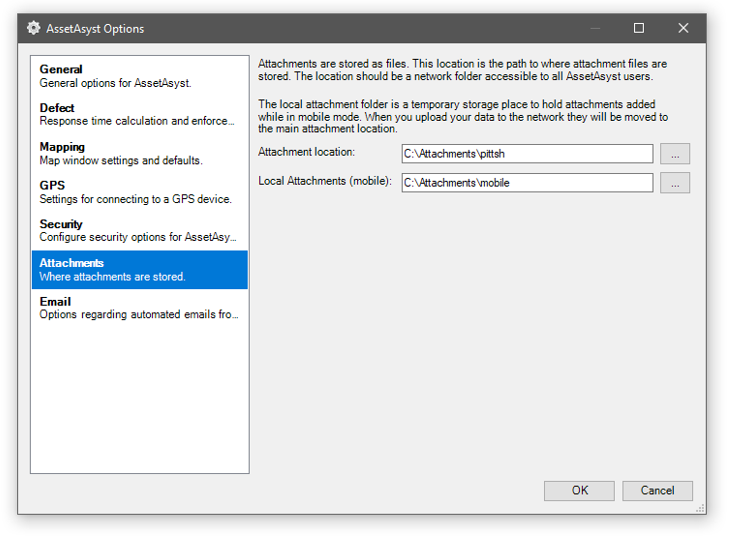
Attachments represent photos, documents or comments within AssetAsyst®. They can be attached to assets, units, defects and inspections. However, before attachments can be added to AssetAsyst®, the location where the attachments will be stored needs to be configured. To access these settings, go to the Tools > Options menu and click on Attachments.
The location should be set to a network share where all users have access. The files will be stored in non-human readable form, so make this a location that is only relevant for AssetAsyst®.
Note: due to the file size of all attachments in AssetAsyst®, there is no automated process to copy these to a mobile device when a user goes out in the field. However, you can add new attachments while in the field and these will be uploaded to the server along with the inspection data. To make use of this feature, enter a local attachments path. This will be a temporary storage location on the laptop, where attachments are stored prior to upload.